
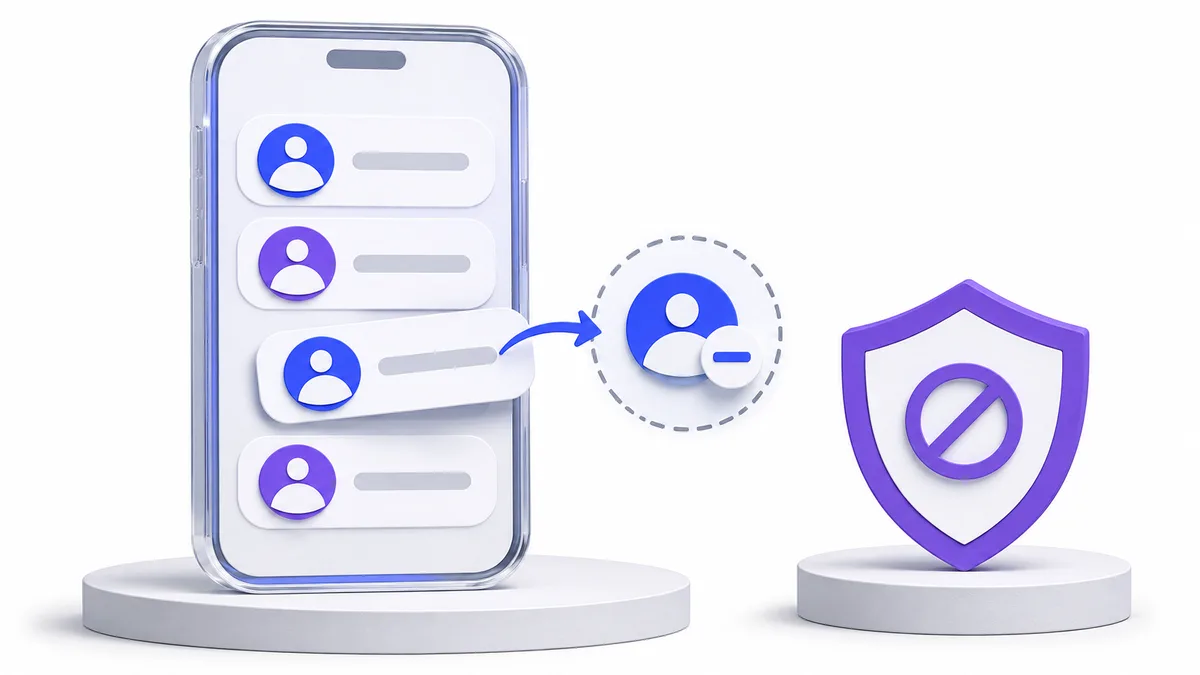
Removing an Instagram follower changes the other account’s follow relationship with you. Unfollowing changes your relationship with that account. Even when both people follow each other, these are different directions and different decisions.
This guide is for deliberately managing your own follower audience. It explains removal without blocking where the option is available, the limits of notification claims and the checks to make after an action. It does not promise unlimited bulk removal or immunity from account restrictions.
A clear four-step starting point
Check the direction
Are you removing their follow or ending your own?
Find the exact account
Use the username in your own follower list.
Read the offered action
Confirm Remove only if it is available and matches your intent.
Verify the outcome
Check the current relationship; stop if the result is uncertain.
Remove follower vs unfollow: follow the direction
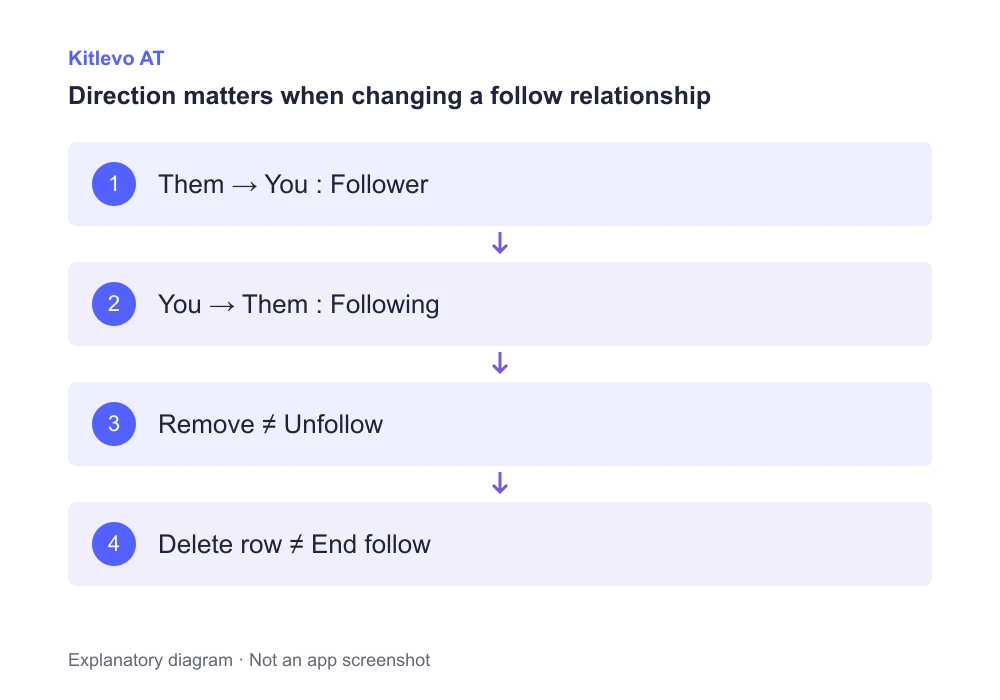
Picture two arrows. One runs from you to the other account: your follow. The second runs from that account to you: their follow. Follower removal changes the incoming arrow. Unfollowing changes the outgoing arrow. Mutual following does not make those two controls interchangeable.
The distinction matters when reading lists. Accounts that do not follow you back are not automatically a list of followers to remove. Before making a decision, read which relationship a filter represents. A username appearing in a report is information to review, not an instruction to act on that person.
How to remove a follower through Instagram
Open your own profile and the Followers list. Find the exact username. If Instagram offers Remove beside that account, read and confirm the action. The official desktop help describes this workflow in the context of a private account; do not assume an unavailable control can be forced into every account interface.
After confirmation, check the current relationship for the intended user. If a request returns an error, a security warning or an uncertain outcome, stop rather than repeatedly submitting it. A delayed total is less useful evidence than the specific relationship state you intended to change.
A saved record is not the relationship itself
Editing a working list does not automatically submit a social-network action. Identify the direction you want to change, inspect the right account, and confirm the result deliberately. This prevents a tidy report from hiding an unintended account change.
Does Instagram notify someone when you remove them?
Instagram’s help says a person is not notified when removed from your followers. That does not mean the change is impossible to notice. Someone may later inspect your profile or their follow relationship and discover that it is different.
Keep no notification separate from invisible and undetectable. A notification policy is not a guarantee about what another person may eventually learn. If your goal is a stronger communication or content boundary, review the separate privacy and blocking controls rather than relying on the absence of a notification.
List actions that should not be confused
| Action | What changes | What may remain |
|---|---|---|
| Remove follower | Their follow relationship with you | Your follow relationship with them |
| Unfollow | Your follow relationship with them | Their follow relationship with you |
| Block | An access and interaction boundary | The possibility of other identities |
| Delete a local row | A record inside an app | The real Instagram relationship |
| Make account private | Account-level audience preference | Existing relationships need separate review |
Public and private account visibility are different
Removing a follower does not automatically make your profile private. Public content remains subject to the visibility rules for a public account. Private-account content has a different approved-follower context. Check your own account privacy before assuming removal alone achieves your audience goal.
Removal is also not a block. It should not be described as permanently preventing all future follows or requests. If you need a stronger boundary with a particular account, review blocking and reporting where appropriate. Choose the setting for the result you need, not simply the one that changes a list total.
Avoid turning list cleanup into a blind bulk decision
An unfamiliar username is not proof of a bot or bad intent. Review the account, the direction of the relationship and the current state first. A historical difference between two saved lists is also not the same as a decision about who should follow you today.
Kitlevo AT helps organize accessible follower and following records and compare saved information. Removing a row from a local record is different from removing a follower on Instagram. Preserve that distinction when working with reports, and verify Instagram’s own explanation and result when you intend to change a real relationship.
Frequently asked questions
How do I remove followers on Instagram?
Open your own Followers list and verify the username. If Remove is offered, read the explanation, confirm and check the result.
Does Instagram notify a removed follower?
Instagram’s help says the person is not notified. They may still notice the changed relationship later.
Is removing a follower the same as unfollowing?
No. Removing changes their follow toward you. Unfollowing changes your follow toward them.
Can I remove an Instagram follower without blocking?
If the Remove control is offered for your account, it is a separate action. The official desktop help describes the private-account workflow.
Can a removed follower follow me again?
Removal is not blocking. Do not assume it permanently eliminates the possibility of another follow or request.
Does deleting a Kitlevo list row remove the real follower?
A local record edit and a real Instagram relationship change are separate operations. Do not treat one as proof that the other occurred.
Official sources
Bring clarity to your audience records
Explore Kitlevo AT’s accessible follower lists, saved records and comparison tools.