
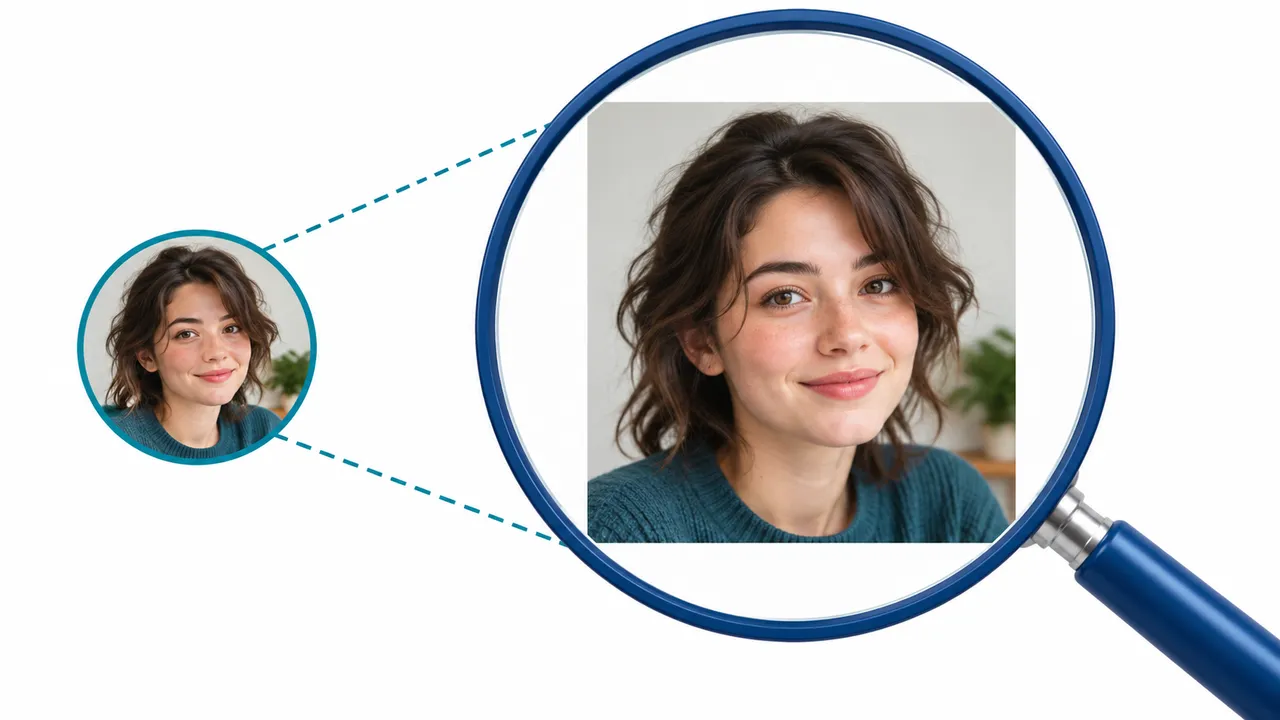
What an Instagram profile picture viewer can show
A profile picture viewer helps you inspect the photo supplied for a particular account. The small circular avatar can hide details, so a larger preview is useful when checking that you have found the right creator, business or community. Start with the username and context, rather than assuming similar pictures belong to the same person.
The viewer does not create a new source image. It can display the copy that is available, and the result may differ from the picture shown in the mobile app. A cached, changed or unavailable photo can also affect what you see. If the current image matters, compare it with the account's own profile before using it in your work.
Instagram profile picture full size: what that really means
Full size should mean the dimensions of the available image file, not an unlimited-resolution original. A preview may look larger because it is displayed at a bigger size. Check the saved file's pixel dimensions and appearance before calling it HD. Converting a small image to another format does not recover detail that was never present.
If the source portrait is already blurred or heavily compressed, enlarging it can make those limitations more visible. For publication, design or identity-sensitive work, ask the owner for an authorized original rather than treating an enlarged avatar as a definitive record.
| Action | What changes | What it cannot guarantee |
|---|---|---|
| Open a larger preview | The image is easier to inspect | A higher-resolution source |
| Zoom in | The display size increases | New facial or text detail |
| Save the available image | A local copy is created | The owner's original camera file |
| Ask the owner for the original | An authorized source may be shared | That the owner will agree |
How to complete an Instagram profile picture download
In Kitlevo AT, load the intended profile and use the magnifier by its photo, or start the same flow from Extra. Review the preview first. When a download option is provided, save the offered file and open it on your device. Check that the picture belongs to the intended username and is not an old or unrelated image.
An Instagram profile photo downloader is a convenience tool, not a transfer of copyright. Being able to save an avatar does not authorize reposting, impersonation or using a person's image in advertising. Use your own images or obtain permission for the intended use. Never provide your password, authentication code or session cookies to an unrelated downloader.
Instagram profile picture zoom without false quality claims
When you enlarge an Instagram profile picture, separate screen magnification from file quality. A browser zoom setting scales the whole page. A photo preview focuses on the image. Neither action necessarily retrieves a larger source or makes previously unreadable details reliable.
The illustration shows the same fictional portrait in a small avatar and a larger view. It demonstrates the workflow, not a promise that every account exposes the same image size. If you need the picture for a legitimate project, inspect the downloaded file rather than judging only the on-screen preview. Avoid presenting an AI-sharpened interpretation as the person's original photo.
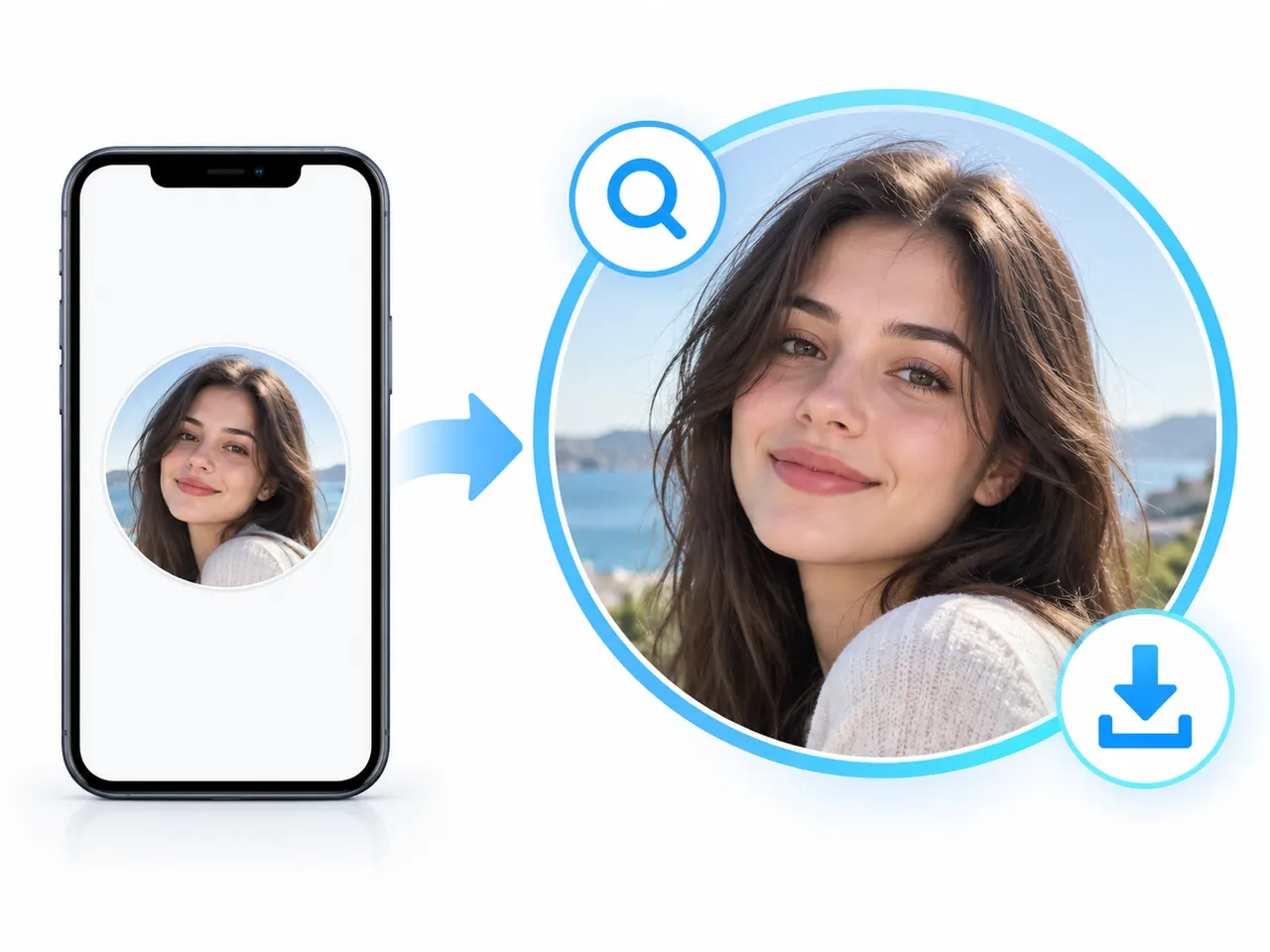
Private accounts and multiple profile photos
A visible profile picture does not unlock a private account's posts, stories or other restricted media. Kitlevo works within the access available to your Instagram session. A username alone is not permission to view private content, and the photo tool must not be treated as a way around privacy controls.
An account may show additional profile photos in the Instagram app while the web view supplies only one. We do not guarantee access to every photo for every account. Seeing a single result is not proof that no other picture exists. If a particular photo is important, ask the owner to share it or confirm it through the app's authorized view.
A quick check before saving or reusing the image
- Confirm the username and that the preview matches the intended account.
- Check the file dimensions instead of relying on an HD label.
- Stop if an access or session warning appears; do not keep retrying.
- Use the image only for a purpose you are permitted to carry out.
- Keep profile photo quality separate from follower-list completeness and analysis accuracy.
Frequently asked questions
Does enlarging a profile picture make it HD?
No. Enlarging changes how the image is displayed. The available file's pixel dimensions and source quality determine how much real detail it contains.
Can I download an Instagram profile picture with Kitlevo AT?
The profile photo tool opens the available picture and provides a download option when a file is supplied. It is part of the next store update; installed versions may not have it yet.
Does a private profile photo reveal private posts or stories?
No. Profile picture visibility and access to restricted posts or stories are separate. Kitlevo does not bypass account privacy.
Will the viewer show every profile photo in the app?
That is not guaranteed. The app and web view can expose different sets of pictures; additional app photos may not be available through the web.
Is Kitlevo an online tool with no installation?
Kitlevo AT is a browser extension. You add it to a supported desktop browser. It should not be described as a no-install website-only viewer.
Your lists and accessible media, together
Explore dated lists and keep the media you are permitted to use with Kitlevo AT.
Add Kitlevo AT to your browser