
What an Instagram highlight downloader does
Highlights are collections displayed on a profile. Kitlevo AT helps you select an accessible collection and inspect the media supplied for it. The workflow is useful for keeping an authorized copy of your own content, checking a campaign asset or organizing media that an owner has permitted you to use.
A highlight downloader is not a recovery service. A removed story, an expired media address or a collection you cannot access may not be available. The result depends on what Instagram returns to the current session. Start by checking the account and collection rather than repeatedly trying the same unavailable item.
How to download Instagram highlights in Kitlevo AT
Load the target username, confirm that it is the intended profile and open the Stories tab. Choose the relevant highlight collection from the available options. Open the item you want to save, inspect it, and use the download option that is provided. Do not assume that selecting a collection means every item has already been saved.
After the download, open the file on your device. For a photo, check orientation, dimensions and whether the full frame is present. For a video, check duration and audio as well as the picture. A filename or thumbnail alone is not enough to confirm a successful Instagram highlight video download.
| Stage | Check | Why it matters |
|---|---|---|
| Before opening | Username and collection | Avoid saving media from the wrong account |
| Before saving | Photo or video preview | Confirm the intended item is available |
| After saving | Image, duration and sound | Confirm the file is usable |
| Before reuse | Permission and purpose | Downloading does not grant publication rights |
Highlights, current stories and the story archive are different
To download Instagram highlights, use the collections that are visible on the profile. A current story belongs to a different view and may no longer be available later. The account owner's private story archive is another area entirely. Access to a highlight does not provide access to that private archive.
If you want to save Instagram highlights as a personal backup, note the collection name and the date you saved it. Collections can be edited, so a later version may contain different items. Keep your local copy's context clear rather than describing it as a permanent record of everything the account has ever posted.
Save accessible media in a useful order
For several permitted files, use a consistent naming pattern such as account, collection and item order. Keep photos and videos identifiable, and open a few saved files to confirm that the names match the contents. Downloading the same item repeatedly can create confusion without improving quality.
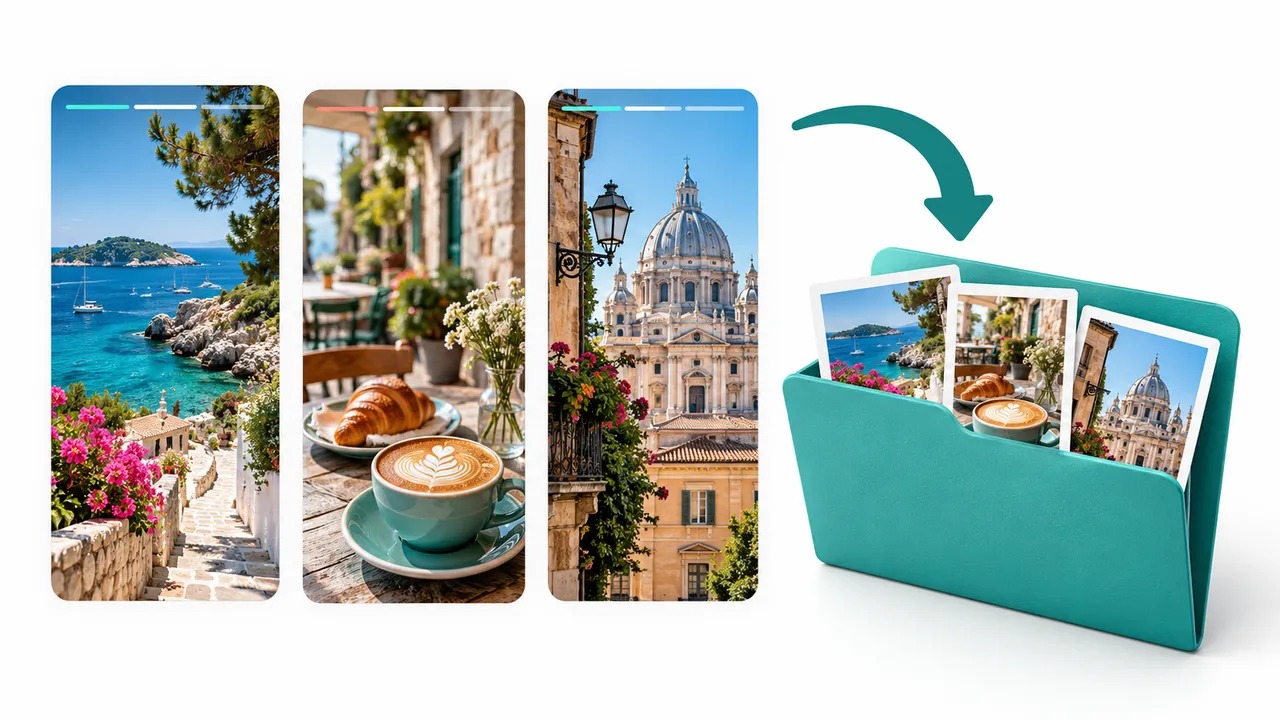
The illustration shows a fictional collection organized as photo and video files. It explains the workflow rather than guaranteeing a particular collection length, file format or bulk-download option. Save only the files you need, and avoid sharing personal media simply because a download button was available.
Quality, access and privacy limits
Kitlevo saves the media that is available; it does not promise an uncompressed original or restore missing detail. A video can look different after platform processing. Check the actual result rather than assuming an HD label guarantees the owner's original upload. For a professional project, an authorized source file from the owner is often the better choice.
A private account requires the access already granted to your Instagram session. If you cannot open the collection normally, the downloader is not a route around that restriction. We also do not guarantee anonymous viewing or that an action has no effect on Instagram's view records. Use the tool within the owner's permissions.
| Expectation | What to rely on |
|---|---|
| Original quality | The dimensions and quality of the file actually supplied |
| Private account access | Permission already available to the signed-in account |
| Deleted content | No recovery guarantee |
| Anonymous viewing | No anonymity guarantee |
A browser extension, not a no-install download form
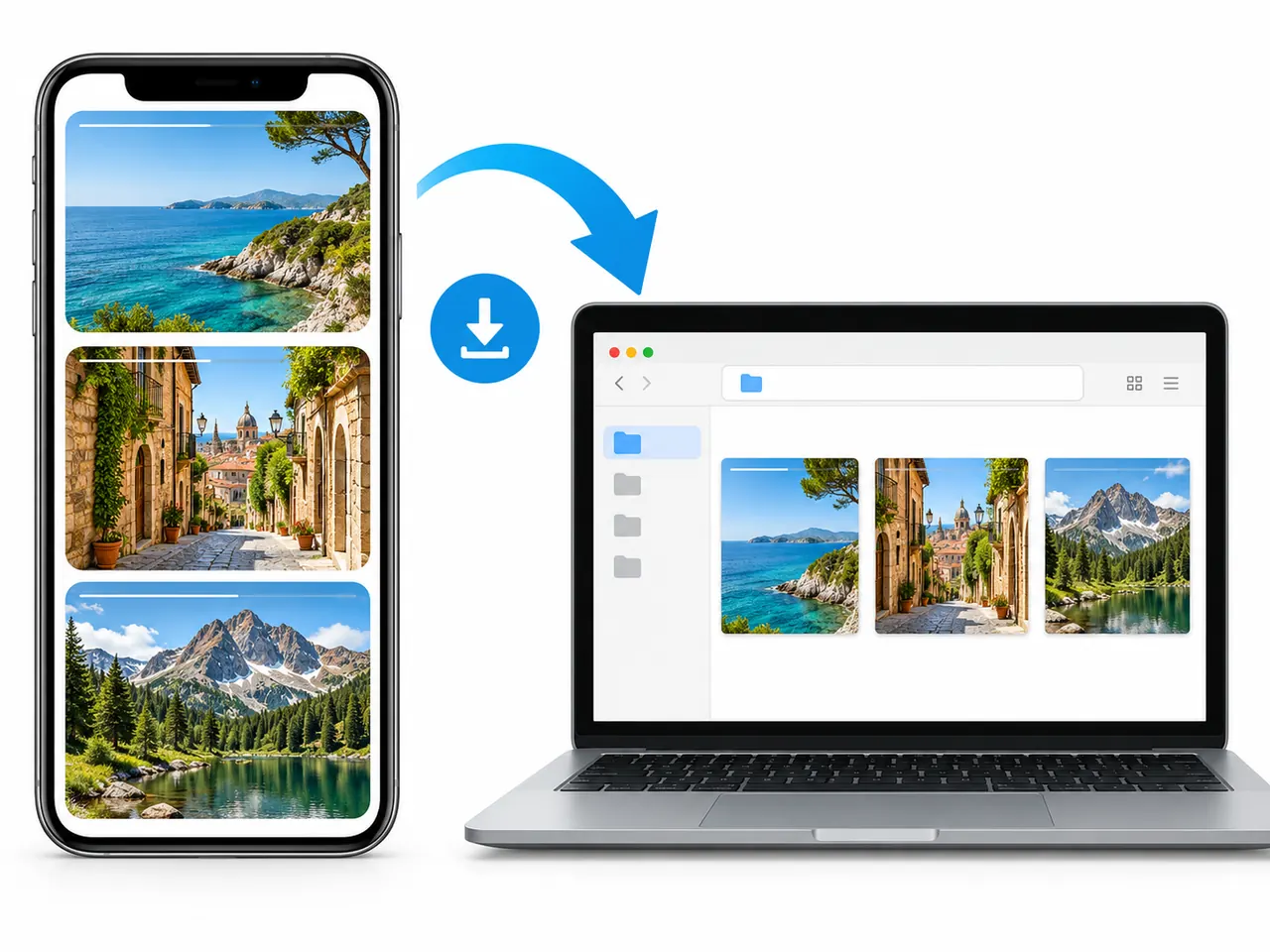
An Instagram highlights download online search can lead to many different types of service. Kitlevo AT is a desktop browser extension with a Stories view; it is not a standalone website where any username unlocks content. Use the browser chooser to find the available installation route, then follow the extension's own access and account requirements.
Stop when Instagram displays a session, access or rate-limit warning. Repeated requests, account switching or parallel tools should not be treated as a guaranteed fix. For media you need urgently, ask the owner for an authorized copy instead of trying to bypass a restriction.
Frequently asked questions
How do I download Instagram highlights with Kitlevo AT?
Load the target profile, open Stories, choose an accessible highlight collection, inspect the media and use its download option. Then open the saved file to check the result.
Can I save both photos and videos?
Use the download option for the media that is supplied. For videos, check picture, duration and sound after saving rather than relying only on the thumbnail.
Can I download a private account's highlights?
Only within the access already granted to your Instagram session. Kitlevo does not bypass private-account permissions or blocks.
Will a highlight downloader open someone's private archive?
No. A profile's accessible highlight collections and the account owner's private story archive are separate.
Is highlight viewing anonymous?
We do not guarantee anonymous viewing or the absence of view records. Use only content you are authorized to access and reuse.
Your lists and accessible media, together
Explore dated lists and keep the media you are permitted to use with Kitlevo AT.
Add Kitlevo AT to your browser