
If you are asking “how do I delete my Instagram account?”, the useful starting point is an official settings link, not a service that offers to close the account for you. Instagram currently supports more than one settings layout as people move from Accounts Center to Meta Account settings. You may therefore see different menu names on two devices. The destination matters more than a screenshot: identify your Instagram profile, open its deletion or deactivation controls and read the final choice. You do not need a browser extension to request deletion.
The route at a glance
Save your information
Request and download the information you want to keep before you start the final deletion flow.
Open the correct profile
In Instagram settings, open Meta Account and Manage account, then choose the Instagram profile you intend to remove.
Choose deletion
Open Deactivation or deletion and select Delete profile or the equivalent Delete account option shown.
Read the final confirmation
Check the username, consequences and cancellation deadline. Confirm only when you are ready for that result.
Find the account-deletion controls on phone or computer
On a computer, sign in to Instagram, open More and then Settings. In the newer layout, choose Meta Account, Manage account and Manage beside the relevant Instagram profile. Open Deactivation or deletion. On a phone, start from your profile menu and settings, then look for the account-management area. Follow the labels actually shown rather than searching endlessly for an older screenshot.
If you still have Accounts Center, look for Personal details, Account ownership and control, and Deactivation or deletion. Choose your Instagram profile before choosing deletion. Removing a profile from a shared account-management screen, logging out and uninstalling Instagram are different operations; do not treat them as substitutes.
Before you delete: check the archive and your access
Use Instagram’s information-export tool for the material you want to keep. Requesting an archive is not the same as downloading it: wait until it is available, save it to a location you control and open it to check that the expected files are present. Select the relevant information categories and date range instead of assuming that every export contains everything.
Also check which Instagram profile is active, whether you can sign back in and whether you need alternative contact details for people you want to stay in touch with. Keep passwords, login codes and private export files out of third-party forms. This guide does not need your credentials or a copy of your archive.
One decision, two very different outcomes
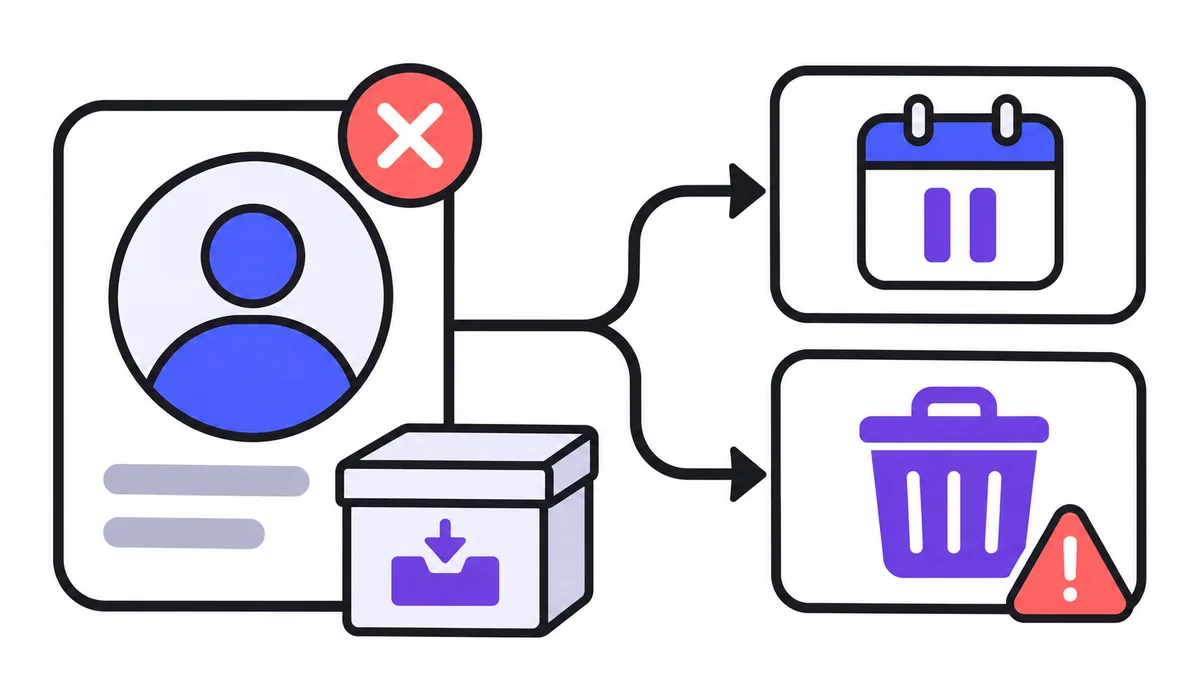
Temporary deactivation and permanent deletion may sit in the same dialog, but they are not interchangeable. Pause before the confirmation step: match the username, read the selected action and keep any date Instagram displays. A direct link makes the settings easier to reach; it does not make that decision for you.


What happens after you request permanent deletion?
Instagram’s help page describes an interval between the request and permanent deletion. It also notes that the number of days in which you can cancel can vary by region. Record the date and instructions displayed for your own profile rather than treating a general “30 days” headline as a personal deadline. If you change your mind, use the cancellation route Instagram shows before that deadline.
The public profile becoming unavailable and completion of deletion in all storage systems are not the same milestone. Instagram explains that completion can take longer and some information can be retained for stated reasons. Do not promise yourself instant erasure from every backup or that copies already held by other people disappear.
If the deletion link opens the wrong profile or will not load
Check that the address belongs to Instagram and that you are signed in to the account you mean to change. If the direct link opens a general management screen, use the Manage account link and select the profile manually. A redirect to sign-in is not proof that the account has been deleted.
If you cannot log in, use Instagram’s official recovery help first. A deletion request needs access to the account; do not pay an outside service for a supposed bypass. If the real goal is a short break, leave the deletion flow and use the separate temporary-deactivation guide instead.
Compare your options
| Option | What changes | How you return |
|---|---|---|
| Uninstall the app | Removes the app from that device; it is not an account-deletion request. | Install the app or sign in on the web. |
| Deactivate the profile | Hides the profile and associated photos, comments and likes while it is deactivated. | Sign back in to reactivate it. |
| Delete the profile | Requests permanent deletion rather than a temporary pause. | Follow the cancellation instructions before the deadline shown; recovery is not guaranteed afterwards. |
Frequently asked questions
What is the official Instagram account deletion link?
Use the official deletion-or-deactivation link in this guide, or open Manage account and select your Instagram profile. Both destinations are on accountscenter.instagram.com.
Can I delete my Instagram account from an iPhone or Android phone?
Instagram says you can request deletion from a phone or computer. Menu names can differ; start from your profile settings and locate the profile-management controls.
Does opening the deletion link delete the account immediately?
No. The link opens a settings flow. You still need to select a profile, choose the action and follow the confirmation steps.
Can I recover a permanently deleted Instagram account?
Follow the cancellation instructions before the deadline shown for your profile. Do not assume that an account can be restored after permanent deletion.
Does deleting the app delete my Instagram account?
No. Removing the app from a device is different from sending an account-deletion request through Instagram settings.
Can someone delete my Instagram account for me without logging in?
Do not give passwords or codes to another service. Instagram requires access to the profile for its deletion flow; use official recovery help if you cannot sign in.