

A past request is not a live relationship
To see sent follow requests on Instagram, start by separating an exported record from the current profile state. Your export reflects the information available when it was prepared. A request listed there may later have been accepted, withdrawn or become unavailable. Kitlevo AT helps organize those records. It does not promise an unlimited live list for every Instagram account or access to private content without permission.
How to use it in Kitlevo AT
- 01
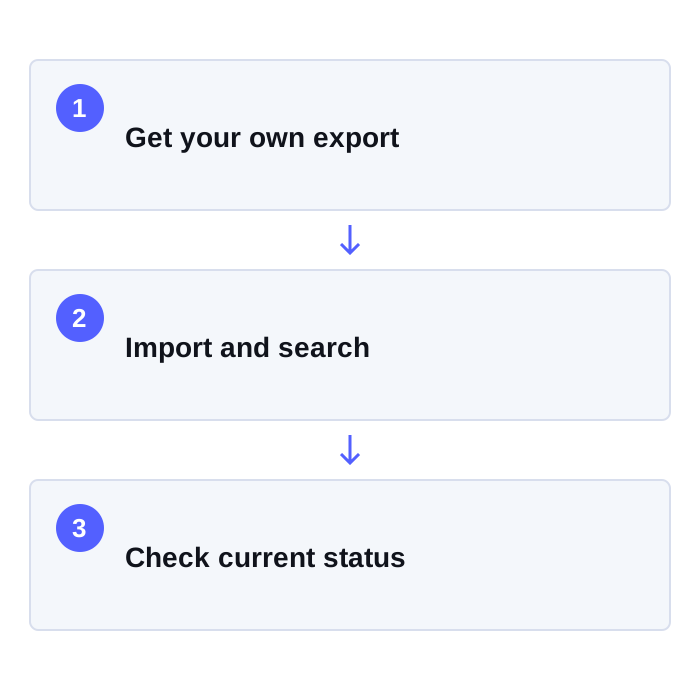
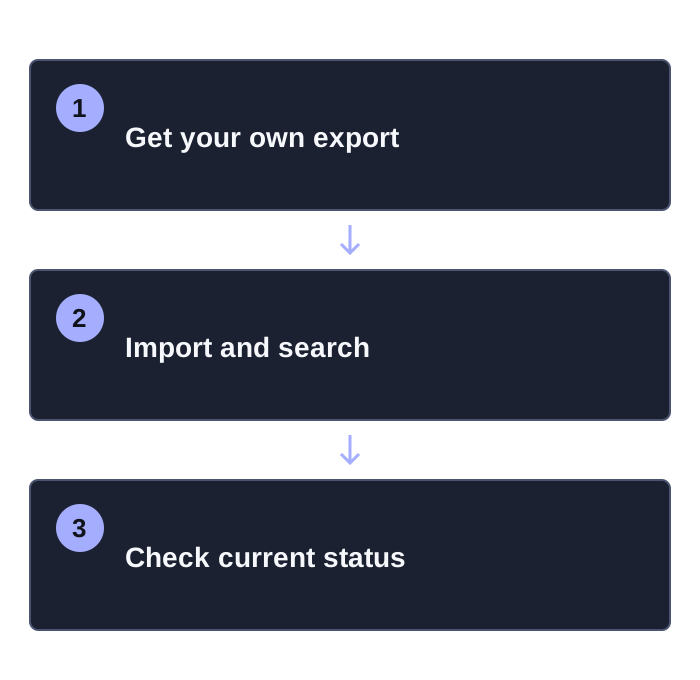
Get your own export
Use Instagram’s official export flow to request your own follow-request data. Check what the archive contains before sharing it with anyone.
- 02
Open Pending Requests
Choose Pending Requests in the Extra section of Kitlevo AT. This tool requires the relevant subscription access; check your account for availability.
- 03
Import and search
Choose a supported JSON, HTML or CSV file. Search usernames, select the rows you want to review and confirm that the file belongs to the correct account.
- 04
Check the current status
Open the profile or use the current relationship check. Withdrawing a request is a separate confirmed action; do not repeatedly retry an uncertain result.
Understand the list before changing it
Finding who you requested to follow is different from cancelling a sent follow request. First identify the correct profile and check whether the request is still pending. Search and selection help you work through a long file without losing your place. A renamed or unavailable account is not automatic proof that someone blocked you. Reading a record from your export does not send a new follow request to that person.
Which information are you reviewing?
| View | What it tells you | How to use it |
|---|---|---|
| Exported file | Your own account information from the export period | Use it as a starting point for reviewing older records. |
| Current profile check | The accessible present relationship state | Verify the relevant account before deciding what to do. |
| Withdraw request | A separate action on an existing pending request | Confirm the account and state; stop rather than force an uncertain outcome. |
A deliberate workflow for your file and account
The imported request list is kept in the local workspace of the relevant browser. This does not mean the entire extension makes no network requests. Account access and current relationship checks are separate operations. Use only data from your own account. Never put your Instagram password in an export file or share it with an untrusted tool. Waiting periods and stop conditions do not guarantee protection from Instagram restrictions.
Frequently asked questions
Where can I see sent follow requests on Instagram?
Use the official export options available to your account to obtain your own records, then review a supported file in Kitlevo AT’s Pending Requests tool. Menus and export coverage may vary.
Does Kitlevo AT retrieve every pending request live?
This tool imports your own export. It does not represent those records as a complete live list for every account; checking the current relationship is a separate step.
Does viewing the file send a new request notification?
Importing a file does not send a new follow request. Actual relationship actions are separate and require confirmation. We do not promise invisibility for other app behavior.
Why is an accepted request still in my old file?
An export reflects an earlier point in time. Check the current profile state before taking action.
Can I use JSON, HTML or CSV?
The file formats differ. The tool reads supported request records; the export must belong to the correct account and contain the relevant data.
Do I have to withdraw requests in bulk?
No. You can review the list with search, selection and current checks first. Pay attention to the result of every actual account action and any Instagram warnings.