
Actual changes
View new arrivals, departures, new follows, and unfollows in separate lists.
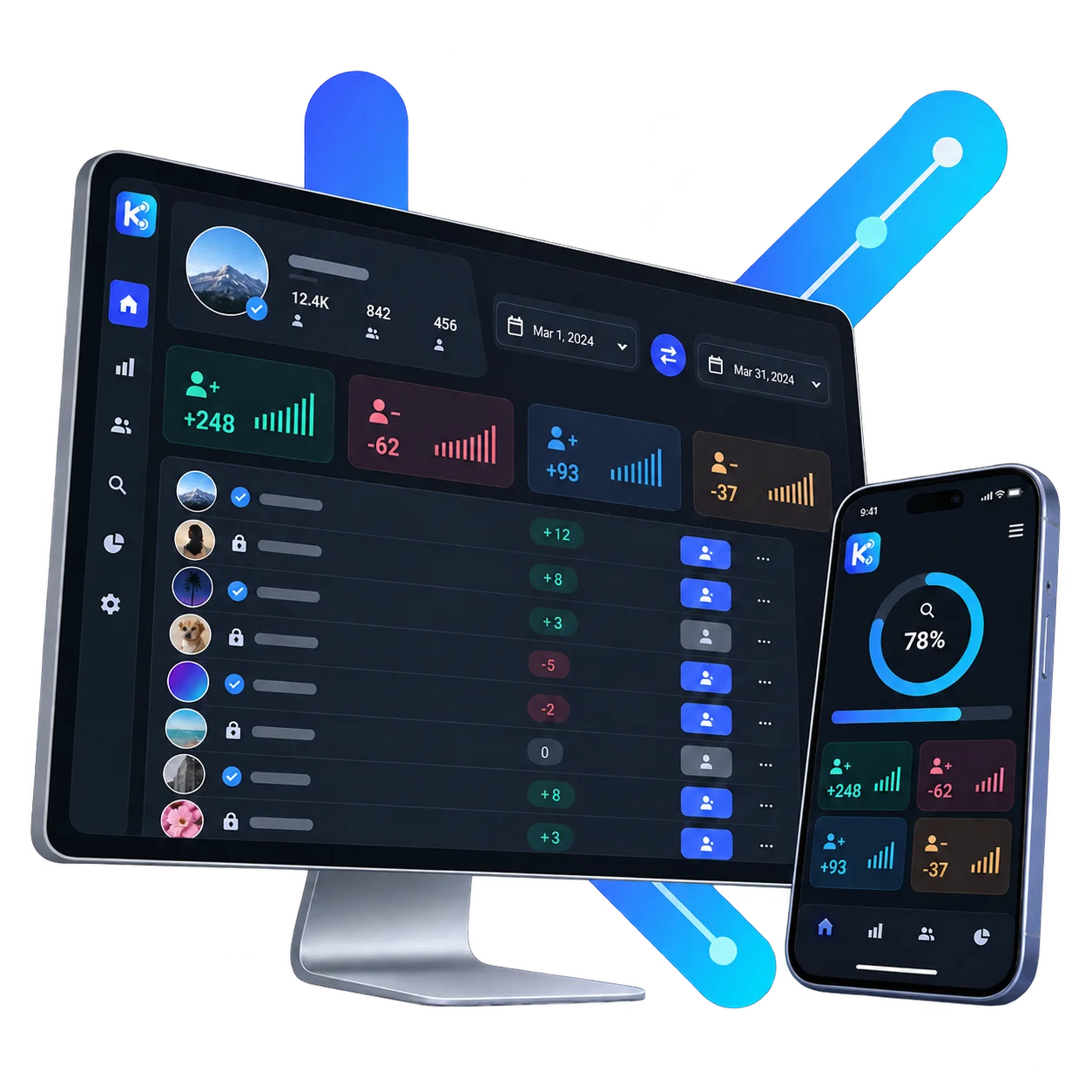
Save follower and following lists at safe intervals; compare actual changes between two scans on a single screen.
Compare follower and following lists for your own or a target profile. See new arrivals, departures and accounts that do not follow back in one panel.
Get to know Kitlevo in this short video with Turkish narration, then try a sample account in test mode.
Instead of cluttered tables, it shows exactly what changed and the specific record associated with that change.
View new arrivals, departures, new follows, and unfollows in separate lists.
Select two different scans to compare changes in the same profile over time.
View not just the differences, but the full follower and following lists from each scan.
Search by name; quickly filter verified, private, or mutual accounts.
Download history records as JSON or CSV and restore them if needed.
It does not force operations when Instagram imposes limits; instead, it indicates the appropriate time to retry.
A real Kitlevo screen, two workflows, and a clear history with dated records and scan status.
Review non-followers, accounts you do not follow back, and mutual connections in separate lists.
See new followers, departures, new follows, and unfollows with their dates.
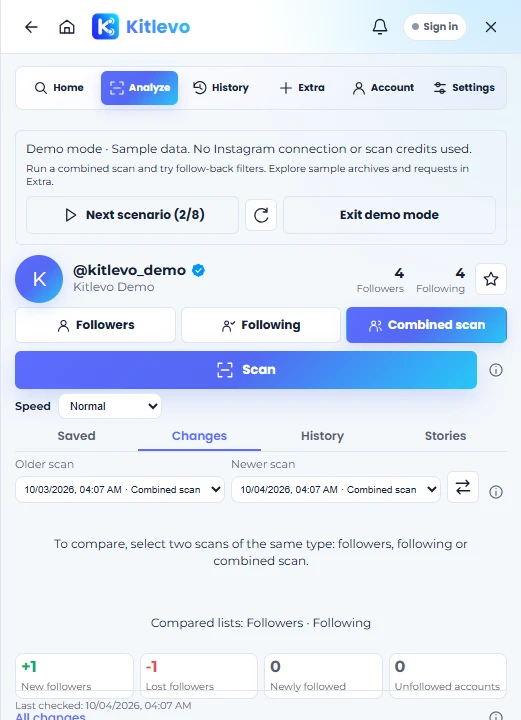
Build an independent analysis history for a public profile or a private profile you follow.
Narrow large lists by name, mutual follow, privacy, and verification status.
Search for a username or load your own profile.
Scan followers, accounts you follow, or both.
See changes immediately once a new scan is complete.
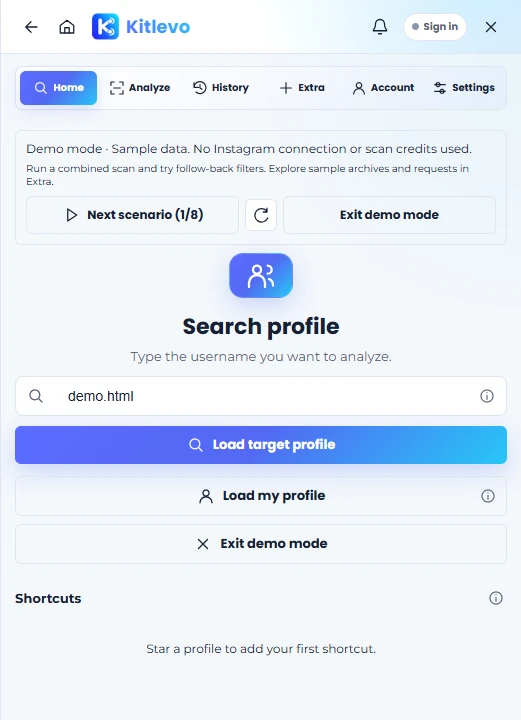
The extension runs in the browser tab where Instagram is open. It does not ask for a password and does not send session cookies to the Kitlevo server.
Scan snapshots stay in your browser. You can export supported snapshots or delete them from your device.
To get to know Kitlevo and start creating regular records.
For regular analysis, exports and account type monitoring.
No. Kitlevo runs in an open Instagram tab and does not ask for your password.
The first scan establishes the baseline record for comparison. Changes become apparent in the next completed scan.
Scans may pause or stop at Instagram limits. Incomplete results carry a warning; unverified differences are not confirmed changes.
Works in desktop Chrome and compatible Chromium browsers. You can also use the account panel on mobile.